Have you ever wondered how your laptop, phone, or computer can display photos, play videos, and run games with smooth graphics? Even though, if you break it down, a computer is just a pile of electronic components powered by electricity.
The secret lies in something called Binary Numbers.
Let's casually discuss this 'divine language' that is the foundation of all digital technology!
What Exactly Are Binary Numbers?
We normally use the Decimal number system (base 10), which uses digits 0, 1, 2, 3, 4, 5, 6, 7, 8, and 9.
Well, computers are not as smart as us. They only understand the Binary number system (base 2). There are only two digits: 0 (Zero) and 1 (One).
Why only two? Because the electronic circuits inside a computer essentially have two natural states:
- 0 = Electricity off (OFF) / False
- 1 = Electricity on (ON) / True
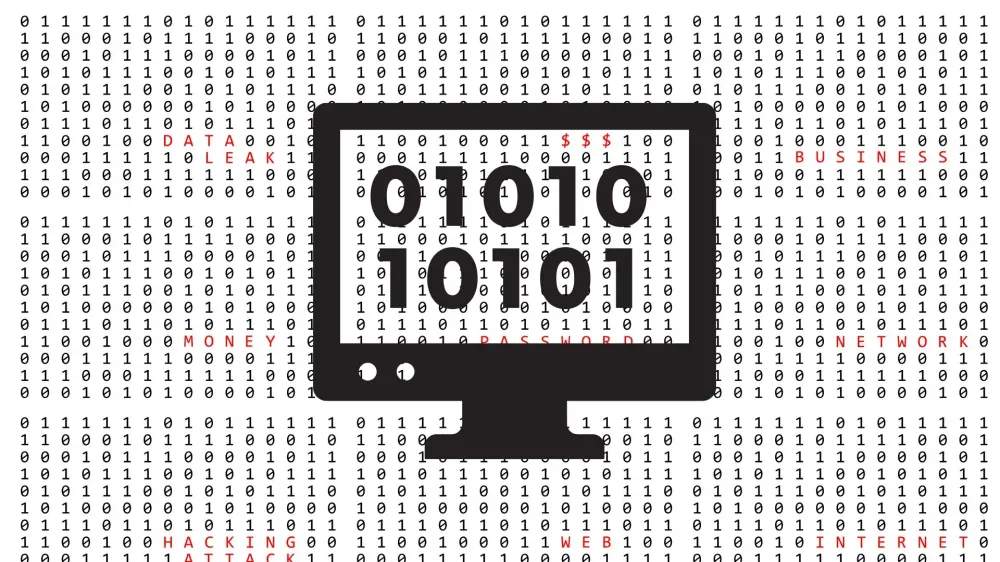
A single binary digit (0 or 1) is called a Bit (Binary Digit). So, all the cool things you see on your gadget screen right now, at the lowest level, are just combinations of trillions of 0s and 1s blinking super fast.
How to Read Binary Numbers (It's Not Complicated!)
In the decimal system, we know there are positions for ones, tens, hundreds, thousands (multiples of 10).
For example: $125 = (1 \times 100) + (2 \times 10) + (5 \times 1)$.
In the binary system, we use powers of 2, counting from right to left: 1, 2, 4, 8, 16, 32, 64, 128, and so on.
For simplicity, let's break down the binary number 1011 to see what it is in our language (decimal).
| Place Value (Power of 2) | 8 | 4 | 2 | 1 |
|---|---|---|---|---|
| Binary Digit | 1 | 0 | 1 | 1 |
| Contribution | Yes (8) | No (0) | Yes (2) | Yes (1) |
Now just add up the numbers that are active (those with value 1):
$$8 + 0 + 2 + 1 = 11$$
So, the number 11 in our brain is written as 1011 in the computer's brain. Simple, right?
From Numbers to Letters and Colors
You might ask, "If it's just 0s and 1s, how can letters A, B, C, or colors like red and blue appear?"
Here's the impact:
- Letters: Scientists created a standard called ASCII or Unicode. For example, the capital letter A is agreed to have a decimal code of 65. In the computer, the letter A is stored as binary
01000001. - Colors: Colors on the screen are formed from combinations of Red, Green, Blue (RGB). Each color has an intensity from 0 to 255. These intensity numbers are converted into binary sequences.
When you type "HALO", your computer is actually reading a mantra like this:
H = 01001000
A = 01000001
L = 01001100
O = 01001111
Terms Bit and Byte You Often Hear
When buying a phone or subscribing to internet, you often hear terms like Megabyte (MB) or Gigabit (Gb). What's their connection to binary?
- 1 Bit: Just a single box that can hold either 0 or 1.
- 1 Byte: A combination of 8 Bits. One Byte is enough to store one character or symbol.
- 1 Kilobyte (KB): Equal to 1,024 Bytes.
- 1 Megabyte (MB): Equal to 1,024 KB (about 1 million characters).
Small Note: Why 1,024 and not 1,000? Because computers use binary multiples, and $2^{10}$ equals 1,024.
Conclusion
Binary numbers can be considered the most basic "building blocks" of the entire digital world. Without the binary concept that simplifies the way electric current works, we wouldn't have the internet, smartphones, AI, or social media today.
So, every time you scroll on your phone screen, remember that there are billions of 0s and 1s working hard behind the scenes for you!