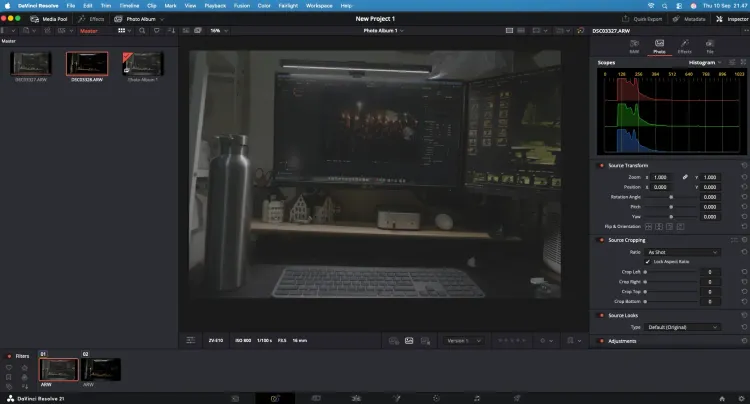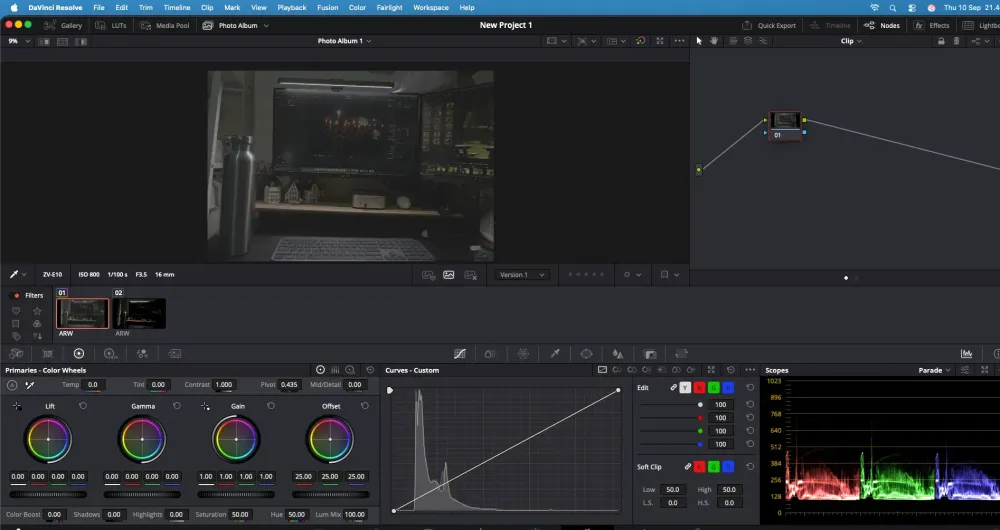
The free version of DaVinci Resolve is actually very powerful. For YouTube editing, social media content, and even simple professional work, the free version is more than enough.
However, if you edit videos frequently and need more complete features, DaVinci Resolve Studio has several notable advantages.
10-bit Video Editing and Higher Resolution Support
The free version supports many video formats up to Ultra HD 4K 60fps. Meanwhile, DaVinci Resolve Studio supports 10-bit video up to 120fps and resolutions above 4K.
This is quite important if you use mirrorless cameras, drones, or professional cameras that record in 10-bit formats.
More Comprehensive AI Features
One of the biggest reasons to choose the Studio version is the presence of the DaVinci AI Neural Engine.
Features like Magic Mask, Speed Warp, Smart Reframe, AI tracking, and various other AI-based features are either available or more advanced in the Studio version.
For example, Magic Mask can help automatically select people or objects without having to manually create masks frame by frame.
Much Better Noise Reduction
If you frequently shoot in low-light conditions, this feature is extremely useful.
DaVinci Resolve Studio features temporal and spatial noise reduction, including UltraNR AI technology. This helps reduce noise in videos without making the image look overly soft.
For real estate, wedding, cinematic, or commercial production videos, this feature can be a huge help.
More Resolve FX
The Studio version comes with dozens of additional effects such as Film Grain, Optical Blur, Lens Distortion Correction, and various other Resolve FX.
This means you won't have to rely as much on external third-party plugins.
Maximum GPU Performance
DaVinci Resolve Studio also features more comprehensive GPU support, including the use of multiple GPUs on supported systems, as well as hardware acceleration for H.264/H.265 decoding and encoding.
If you frequently work with heavy videos, lots of effects, or high-resolution footage, the difference can be quite noticeable.
More Professional Audio and HDR Features
Studio also provides additional features for professional needs such as Dolby Atmos, Dolby Vision, HDR10+, AI Voice Isolation, Dialogue Separator, and Music Remixer.
Features like these may not be strictly necessary for casual editors, but they are extremely useful for professional productions.
Is DaVinci Resolve Studio Worth Buying?
If you only do simple editing, making TikTok, Instagram, or standard YouTube videos, the free DaVinci Resolve is more than enough.
However, if you frequently work with 10-bit footage, need noise reduction, Magic Mask, AI features, additional effects, or want a more professional editing workflow, DaVinci Resolve Studio is well worth considering.
Furthermore, DaVinci Resolve Studio uses a one-time software purchase model rather than a monthly subscription. This means you don't have to pay a monthly fee to keep using it.