
Android always has a way to make the smartphone experience feel more comfortable over time. After Android 16, Google is now introducing Android 17 with a variety of quite interesting updates. Not just about the appearance, Android 17 also brings improvements to AI, security, productivity, entertainment, and features for content creators.
Android 17 has now entered the beta stage, and Google even says Android 17 Beta 4 is available for users and developers to try. Previously, Android 17 Beta 3 had already reached Platform Stability, meaning its main features and APIs are mature enough for app testing.
1. Increasingly Integrated AI Features

One of the most noticeable things about Android 17 is the deeper use of AI. Google is starting to bring Gemini-based experiences to more parts of the Android system. This feature is designed so users can do many things faster, from creating summaries, helping with daily tasks, to carrying out specific tasks with simple commands.
With smarter AI, Android 17 is not just an operating system that runs apps, but can also help users understand context. For example, helping to create widgets, organize information, or provide suggestions based on user activity.
For ordinary users, this means the phone can feel more personal. Not just waiting for commands, but also more ready to help with daily needs.
2. Screen Reactions for Content Creators

Android 17 also brings an interesting feature for content creators: Screen Reactions. This feature allows users to record the screen while also recording their face from the front camera. So, if you want to make reaction videos, tutorials, app reviews, or educational content, users no longer need to use additional apps.
Features like this are very useful for TikTok creators, Instagram Reels, YouTube Shorts, or anyone who often creates content from their phone screen. Google says the creator features in Android 17 also include a more optimized Instagram experience and better editing tool support.
3. Handoff, Continue Activities on Other Devices
Android 17 introduces a feature called Handoff. Its function is to help users continue activities from one Android device to another Android device.
For example, you are opening an app on your phone, then want to continue it on a tablet. With Handoff, that activity can appear on the other device nearby. This feature can appear via the launcher, taskbar, or other access on the receiving device.
This feature is perfect for users who have more than one Android device. For example, a phone and a tablet, or a foldable phone and a work tablet. Everything feels more connected and seamless.
4. New Emoji with a Fresher Look
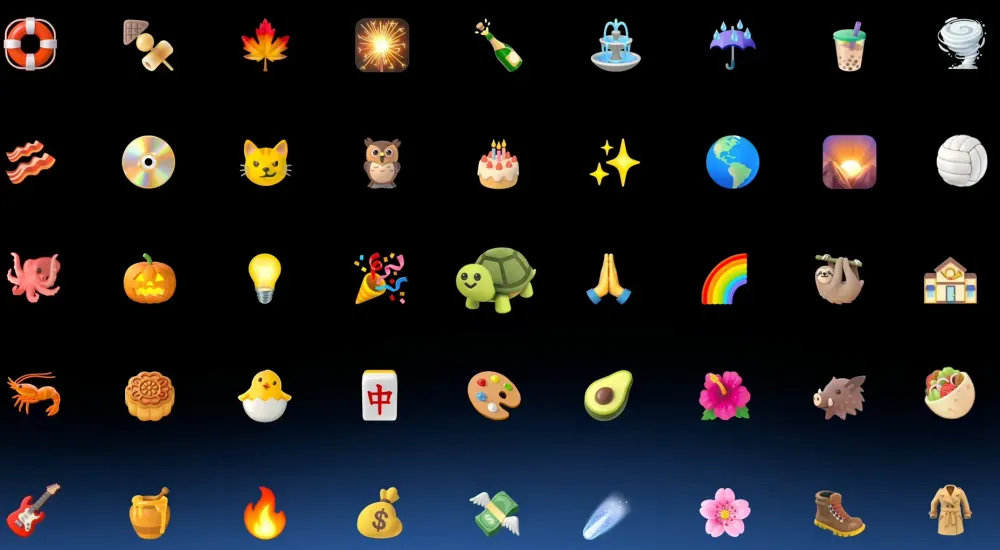
Android 17 also brings a major update to emoji. Google is reported to have redesigned thousands of emojis to look more lively and modern. Some reports say the new emojis in Android 17 are made with a more dimensional style, not as flat as before.
It may seem simple, but emojis are a big part of daily communication. More expressive emojis can make chats feel more alive, especially in messaging apps, social media, and comments.
5. Quick Share Easier to Use
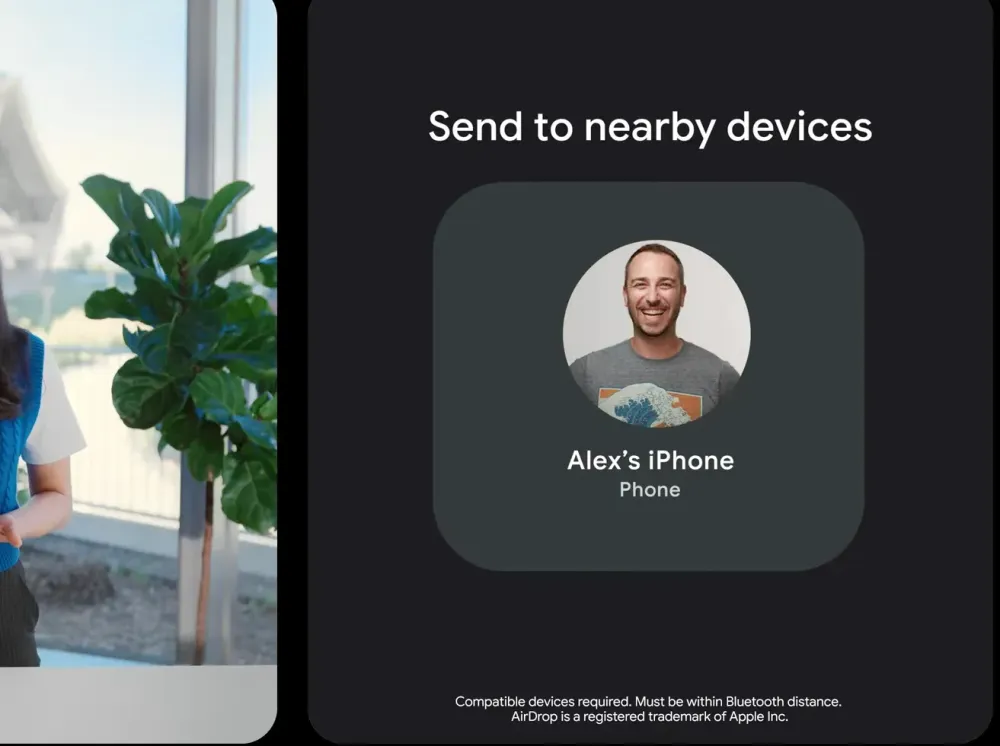
Quick Share also gets attention in Android 17. This file-sharing feature is made more flexible, including better support for sharing with other devices.
One interesting update is the ease of sharing using QR codes. This way, users can send files without having to manually search for nearby devices. This is useful when you want to send photos, videos, documents, or other files to friends quickly.
Some reports also mention Android 17 expands cross-ecosystem sharing experiences, including with Apple devices through certain integrations.
6. Improved Security from Malware and Scams
Security is one of the key focuses in Android 17. Google continues to improve protection against malicious apps, malware, and potential digital scams.
Android 17 is reported to bring stronger malware detection, additional protection against scam calls, and improved security features when the device is lost or stolen. For example, there is stricter protection when someone tries to force open the device.
In today's era, features like this are very important. Many people store personal data, banking apps, photos, documents, and important accounts on their phones. So, smarter security systems can provide extra peace of mind.
7. Pause Point Feature to Reduce Distractions
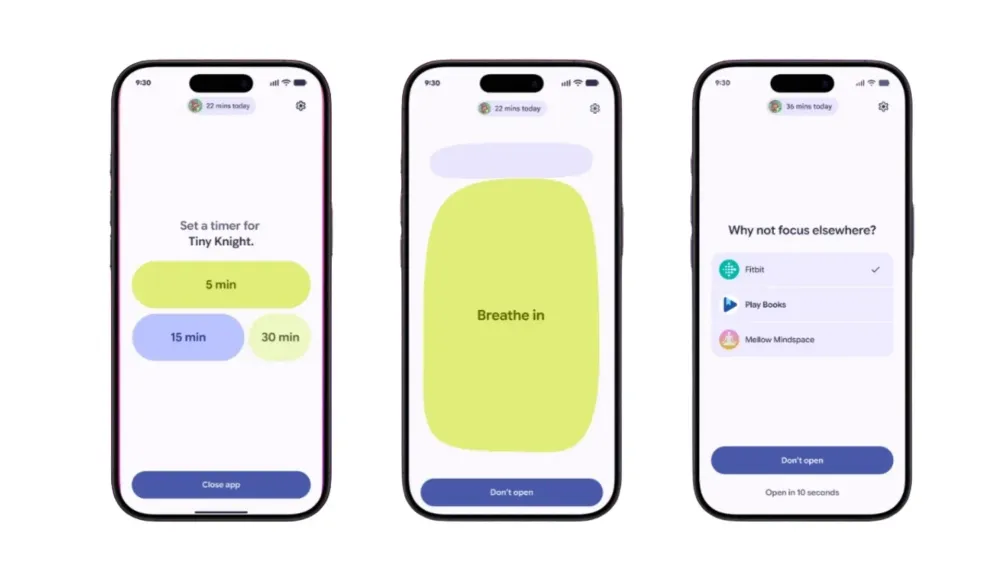
Android 17 also brings a feature related to phone usage habits. One of them is Pause Point. This feature is designed to give a pause before users open apps that might make them scroll for too long.
For example, you want to open social media, then the system provides a small reminder for you to think twice. The goal is not to prohibit, but to help users become more aware of their app usage habits.
Features like this are suitable for people who want to reduce screen time, focus more on work, or not get too distracted by entertainment apps.
8. Better Screen Recording Experience
In addition to Screen Reactions, Android 17 also improves the overall screen recording experience. Some reports mention that the screen recording feature will have a neater interface, including a preview before recording starts.
This makes the recording process clearer. Users can more easily ensure which area is being recorded, whether audio is included, and whether the result meets their needs.
For digital workers, content creators, online teachers, or people who often make tutorials, this update is quite helpful.
9. Better Optimized Performance and Battery
Android 17 doesn't just bring surface-level features. Inside the system, Google also makes performance improvements, memory management, and efficiency. In the developer notes, Android 17 includes performance and system architecture improvements, including app memory limits and improvements to the message queue system and garbage collection management.
For users, the effect can be felt in the form of more stable apps, a more responsive system, and more efficient battery usage. Although the results may vary depending on the phone brand and specifications, system-level updates remain an important part of Android 17.
10. Camera, Media, and Audio Improvements
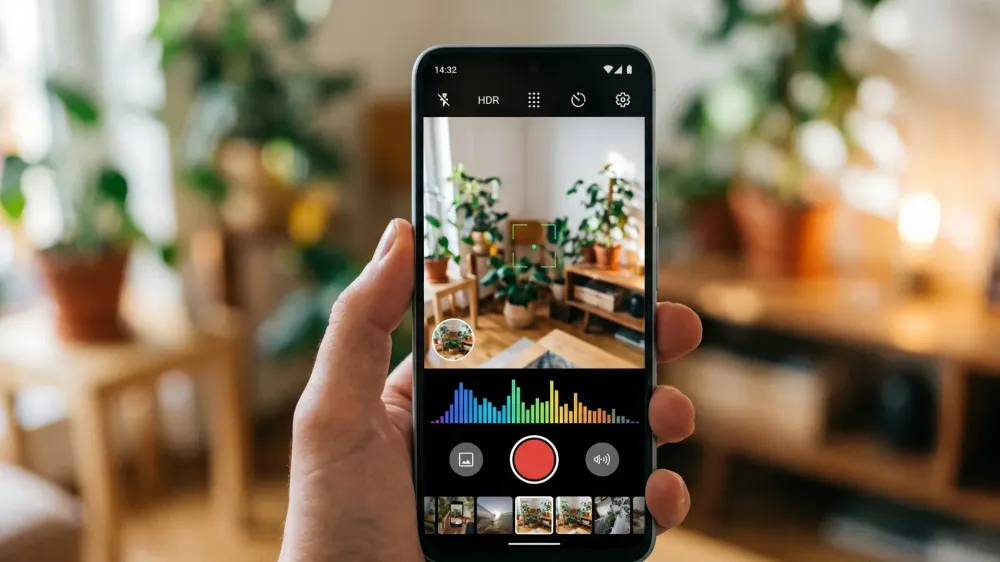
Android 17 also brings updates to media and camera. In the beta notes, Google mentions improvements to media, camera, performance, battery, privacy, security, and system display.
This is important because cameras and video have become a major part of smartphone usage. Whether for recording holiday moments, creating content, video calls, or working, improvements in this area can make the user experience feel smoother.
11. More Optimized Instagram Experience

Google also highlights a more optimized Instagram experience in Android 17. This is interesting because many Android users actively create and upload content via Instagram. With better optimization, the experience of creating, editing, and sharing content can feel smoother.
For users who use Android as their main content creation tool, this feature can be an added value. Especially now that visual content quality is increasingly important, whether for personal branding, business, or product promotion.
12. Neater Display and UI
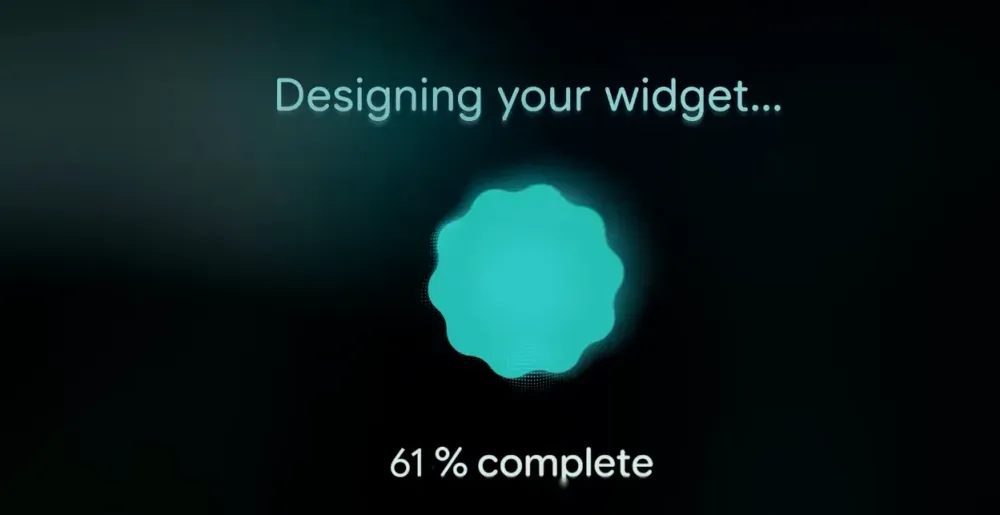
Although Android 17 is not entirely a major design overhaul, some parts of the display still get a refresh. In Android 17 Beta 1, there were small changes in the Pixel Launcher, including a slimmer search bar, customizable shortcuts, an option to remove the At a Glance widget, an updated brightness icon, and easier volume settings access.
Changes like these may seem small, but they can make daily usage feel more comfortable. Sometimes, small updates are the ones most often felt because we access them every day.
Conclusion
Android 17 looks like an update focused on three main things: AI intelligence, security, and ease of use. Features like Screen Reactions, Handoff, new emoji, more flexible Quick Share, and security improvements make Android 17 feel more relevant to today's digital lifestyle.
For ordinary users, Android 17 will make the phone feel smarter and more practical. For content creators, screen recording features and media optimization can be very helpful. And for users who care about security, improved protection from malware, scams, and device theft is certainly good news.
However, because Android 17 is still in the beta stage, not all features will be immediately available on all devices. Usually, Pixel devices will get the update first, followed by other brands like Samsung, Xiaomi, Oppo, Vivo, and others according to each brand's schedule. So, if your phone doesn't get Android 17 right away, don't worry. The update will likely arrive gradually after the stable version is officially released.
Related Articles

Written by
Wilan
A regular contributor to Bali Island Tekno who actively shares knowledge about technology, programming, and the world of software engineering.